
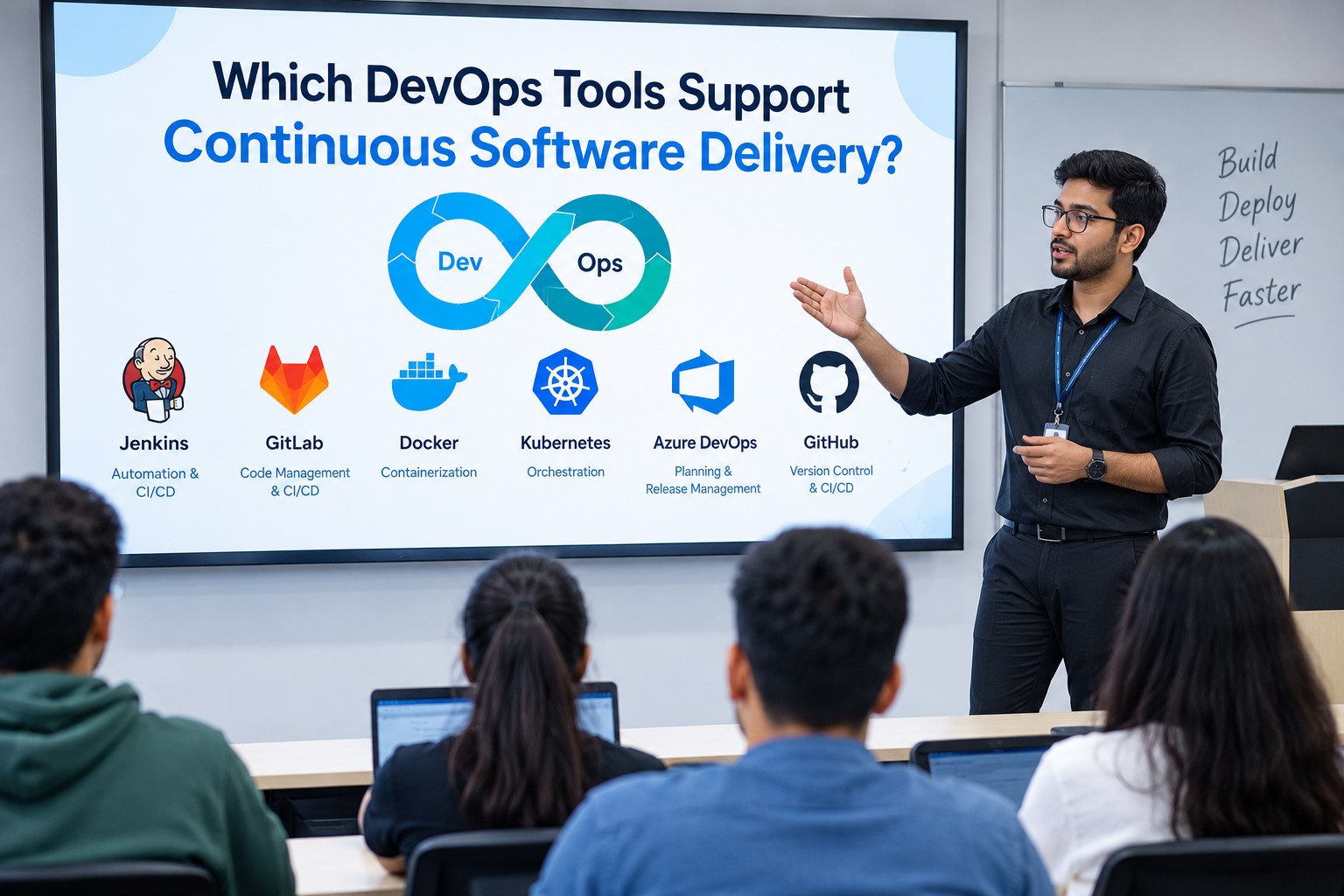
Continuous software delivery is not only about pushing code from Git to a server. A proper delivery setup must build the code, run tests, create a fixed artifact, move that artifact through environments, check deployment health, and keep a record of what was released. A DevOps Online Course should therefore cover CI/CD as a complete technical flow instead of teaching Jenkins or another tool as a single product.
What Continuous Delivery Actually Needs?
Continuous delivery means every code change should reach a release-ready state through an automated and repeatable process. The pipeline normally starts with a Git commit. A runner then downloads the source, installs dependencies, runs tests, creates an artifact or container image, and stores it in a registry. The deployment stage uses that fixed version instead of rebuilding the application again.
Jenkins: Flexible Pipeline Automation
Jenkins is still useful when a team needs control over its pipeline logic. It can automate building, testing, packaging, and deployment, while its plugin system connects it with cloud platforms, containers, source control, testing systems, and other tools. Jenkins Pipeline also allows stages to be written as code.
The technical point is not simply that Jenkins runs a pipeline. A Jenkins setup can separate agents for different workloads. For example, a Docker build can use one agent while integration tests use another. Credentials can also be managed outside the pipeline code. This makes Jenkins useful for complex self-managed environments.
GitLab CI/CD: Code to Deployment in One System
The GitLab CI/CD process keeps the pipeline configuration within the repository itself in general using. gitlab-ci.yml. The jobs include execution of the jobs in GitLab Runners, generating artifacts, publishing packages, executing security tests, and deploying to various environments.
This is useful for those learners undergoing DevOps Training in Hyderabad because in one pipeline, one can demonstrate the entire process from committing to artifact generation to staging and production. The Hyderabad-based cloud and Kubernetes teams can also learn about environment variables, runner security, artifact expiration, and deployment permissions rather than just pipeline configuration.
GitHub Actions: Event-Based Delivery
GitHub Actions uses workflow files to react to events such as pushes, pull requests, tags, or manual triggers. A workflow contains jobs, and jobs contain steps that run on hosted or self-hosted runners. This makes it possible to connect code review, testing, container builds, and deployment in one workflow.
A useful technical pattern is to create the container once, tag it with the commit SHA, push it to a registry, and deploy that exact image. This avoids the common mistake of using a floating tag such as latest, where the deployed image can change without the deployment file changing.
Argo CD: Delivery Through GitOps
Argo CD works differently from a normal deployment script. It is a declarative continuous delivery tool designed for Kubernetes. It watches the desired application state stored in Git and compares it with the actual cluster state. When they differ, Argo CD can work toward bringing the cluster back to the declared state.
This changes the delivery model. Instead of a CI server directly controlling every Kubernetes command, CI can build and publish the image while Git stores the desired deployment state. Argo CD then handles deployment and reconciliation. A DevOps Certification Course should cover this difference because GitOps introduces another control layer between application packaging and cluster state.
Tekton: CI/CD Pipeline Delivery via Kubernetes
Tekton is a Kubernetes-based solution for developing and deploying CI/CD pipelines. The solution employs Kubernetes’ native capabilities for creating Tasks, Pipelines, TaskRuns, and PipelineRuns. These components can be employed for downloading the source code, running tests, building an image, uploading the image to a registry, and deploying it. Every task can be executed in its own container while the execution process itself will be managed by Kubernetes.
Tool Comparison
What Makes a Delivery Pipeline Reliable?
Not all pipelines can be assumed to be inherently safe. The process requires having controls around the delivery process. Some of the technical requirements are:
- immutable artifact versions
- automated unit & integration testing
- dependencies and image scanning
- production environment protection
- approvals when necessary
- deployment health checks
- rollback mechanisms that are automatic or tested
- logging and deployment history
- secrets stored outside the source code
GitLab, for instance, includes protected environments, approvals, health checks, and deployment safety among other delivery features.
In the case of DevOps Training in Hyderabad, these are features that would be great to practice using real pipeline configurations instead of just learning about them from definitions. This is because you can create a simple pipeline where a failed test will prevent deployment, whereas a successful build will create an immutable image.
Sum up,
Continuous software delivery operates best in a manner where each step is responsible for some defined tasks. The source repository holds code and configurations. Continuous Integration tools compile and test the code. The artifact registry maintains the exact version which has been tested. The continuous deployment tools then deploy that particular version to the appropriate environment. For Kubernetes users, GitOps tools like Argo CD can be used to ensure that the current state of the cluster is very close to the desired state.