
Introduction
In many AWS projects, the infrastructure looks fine until something stops working. A developer may change a security group manually. An administrator may modify an EC2 setting from the AWS Console. Nobody updates the CloudFormation template. Weeks later, the actual environment no longer matches the approved design. That quiet difference is called configuration drift, and it can create serious DevOps problems. The AWS Certified DevOps Engineer Professional certification helps professionals understand infrastructure automation and reliable AWS operations.
What CloudFormation Drift Really Means
AWS CloudFormation lets teams describe infrastructure through templates. The template becomes the planned state of the environment.
For example, a CloudFormation template might specify:
|
Resource |
Expected Setting |
|
EC2 Security Group |
Port 443 allowed |
|
S3 Bucket |
Encryption enabled |
|
RDS Database |
Specific instance type |
Suppose an administrator changes the security group manually and opens a different port. The AWS resource has changed, but the CloudFormation template has not. That is known as drift.
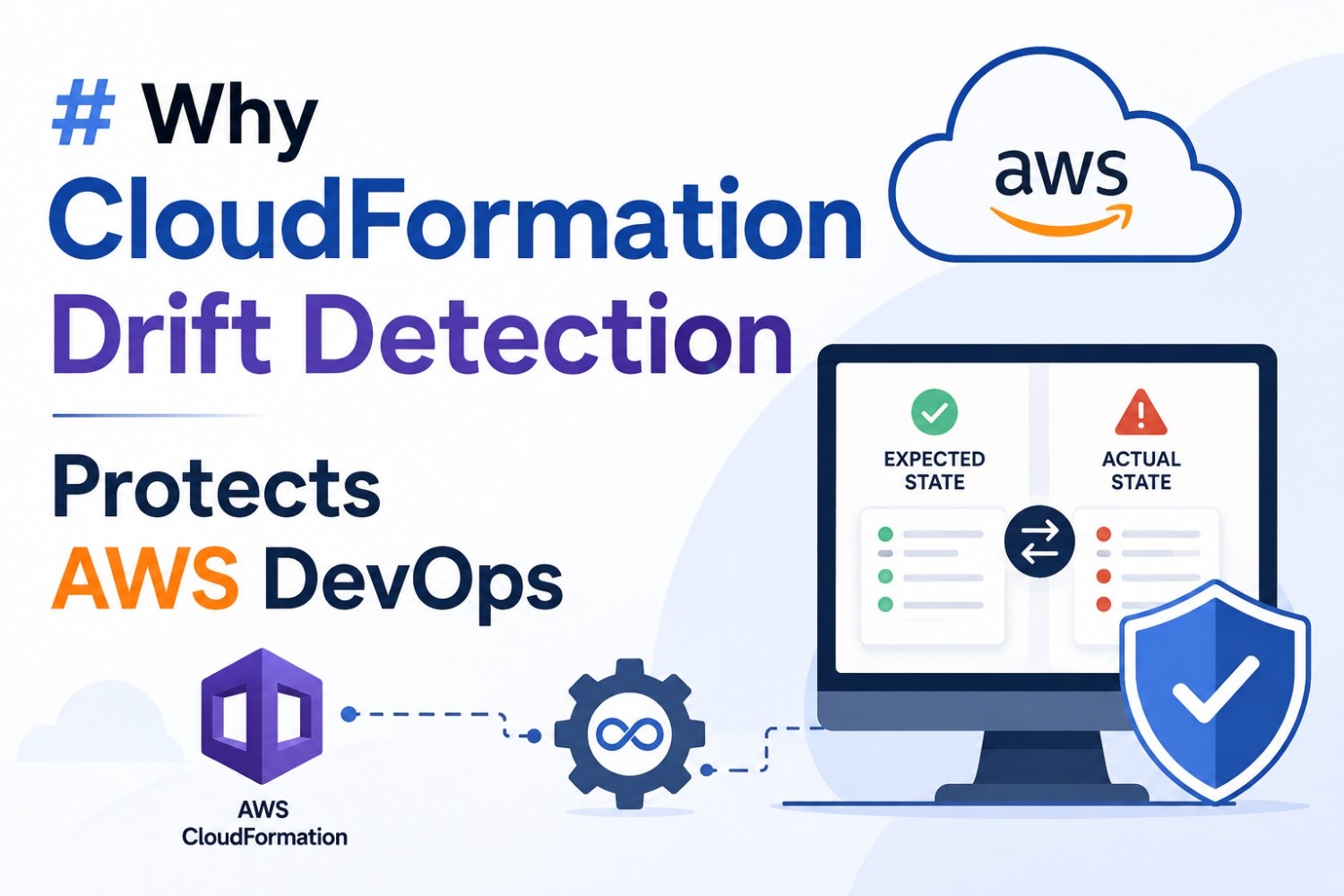
CloudFormation drift detection compares current configuration of the supported resources with the configuration that is defined in the stack template. It detects resources whose actual settings no longer match with the expected state.
One thing that often surprises beginners is that CloudFormation does not automatically prevent every manual change. Drift detection gives DevOps teams visibility into those changes.
Why Drift Becomes a DevOps Risk
Manual changes are not always bad. Sometimes production teams need to react quickly. The problem starts when those changes become invisible.
I have seen environments where one engineer makes a small console change to fix an issue. The application works again, so everyone moves on. Months later, another team recreates the environment from the original CloudFormation template. The new environment behaves differently.
Why?
The emergency fix was never added to the infrastructure code.
Drift can affect:
· Security group rules
· IAM resource settings
· Database configurations
· S3 bucket properties
· Load balancer settings
· Network infrastructure
· Application deployment resources
A small difference can create a large troubleshooting session. An AWS DevOps Course can teach learners how to monitor CloudFormation stacks and manage configuration drift in real-world AWS projects.
How Drift Detection Works
The process is fairly simple.
Initially, CloudFormation stores the expected configuration from stack template. Every time a team runs drift detection, CloudFormation checks the actual resource configuration against the expected state.
The result can show resources as:
· IN_SYNC – The resource matches the expected configuration.
· DRIFTED – The resource has one or more differences.
· NOT_CHECKED – Drift detection has not evaluated the resource.
For a DevOps team, the DRIFTED status is the important warning.
Suppose the template defines an EC2 security group with only HTTPS access. Someone manually adds SSH access from a broad IP range. Drift detection can expose that difference before it becomes a security incident.
Drift Detection and DevOps Security
Security is one of the strongest reasons to monitor drift. Consider a production S3 bucket. The approved CloudFormation template requires encryption and specific access controls. An administrator later changes a setting manually.
The application might continue working normally. That does not mean the environment is safe.
A DevOps team can use drift information during security reviews. Unexpected changes become easier to investigate. Teams decide whether the change needs to be kept, documented, or removed.
Drift detection is not a replacement for proper IAM permissions or security monitoring. It is another layer of control.
Drift Detection Supports Infrastructure as Code
Infrastructure as Code works best when the code represents reality. If the template says one thing while AWS contains something else, the team loses that single source of truth.
A practical workflow looks like this:
Suppose a production database was manually resized because traffic increased. The team has two choices. They can update the CloudFormation template to reflect the new size. Users can also revert the manual change. Either way, the difference should not remain unexplained.
Why Teams Should Check Drift Regularly
Running drift detection only after something breaks is not a strong strategy. In practice, teams should include infrastructure checks in their operational routine. The exact frequency depends on the environment and change process.
For example:
|
Situation |
Useful Action |
|
Production stack |
Checking regularly |
|
After emergency changes |
Checking immediately |
|
Before major releases |
Verifying the configuration |
|
After security incidents |
Investigating the drift |
CloudFormation drift detection plays a vital role where several teams share AWS resources. The DevOps Online Course enables beginners to master the concepts under expert guidance.
Conclusion
CloudFormation drift detection gives AWS DevOps teams a clear view of infrastructure differences that might otherwise remain hidden. It catches manual changes, supports security reviews, and keeps Infrastructure as Code closer to the real environment. The biggest value is simple: teams know when reality has moved away from the approved design, so they can correct the problem before it causes a bigger one.